One ledger, every report
From capital call to finished report — no spreadsheets.
Enter a fund, book its cash flows, build the PDF. Every figure recomputes from the bookings.
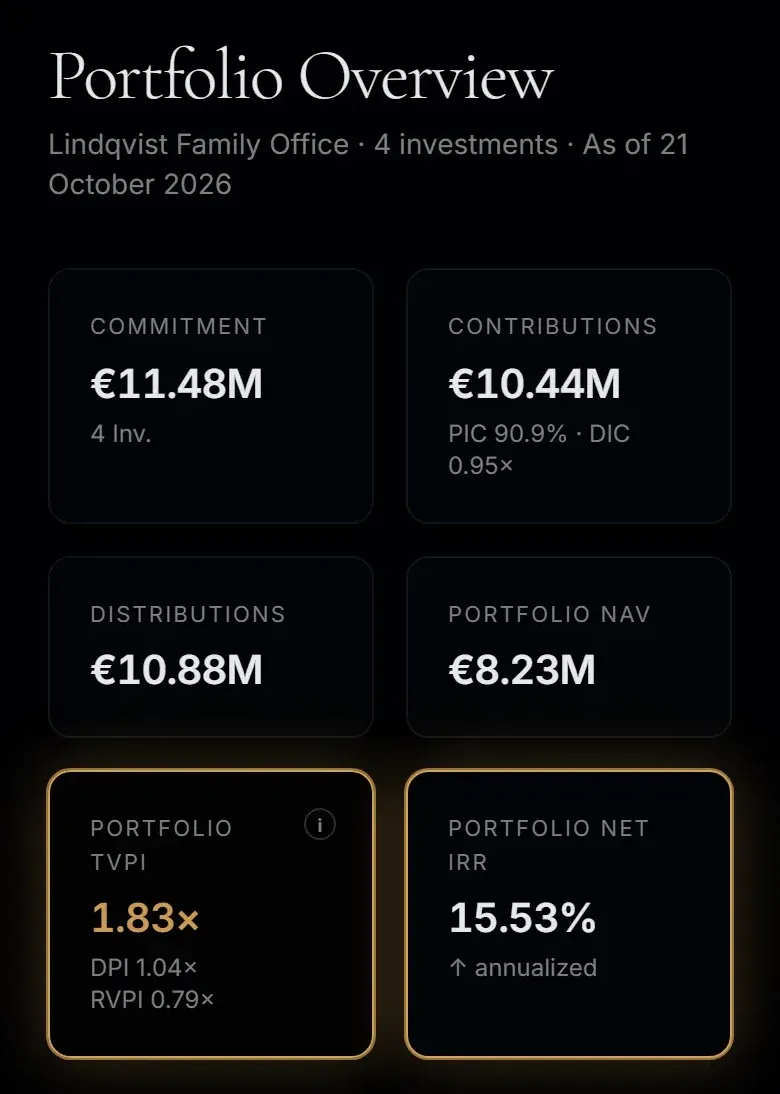
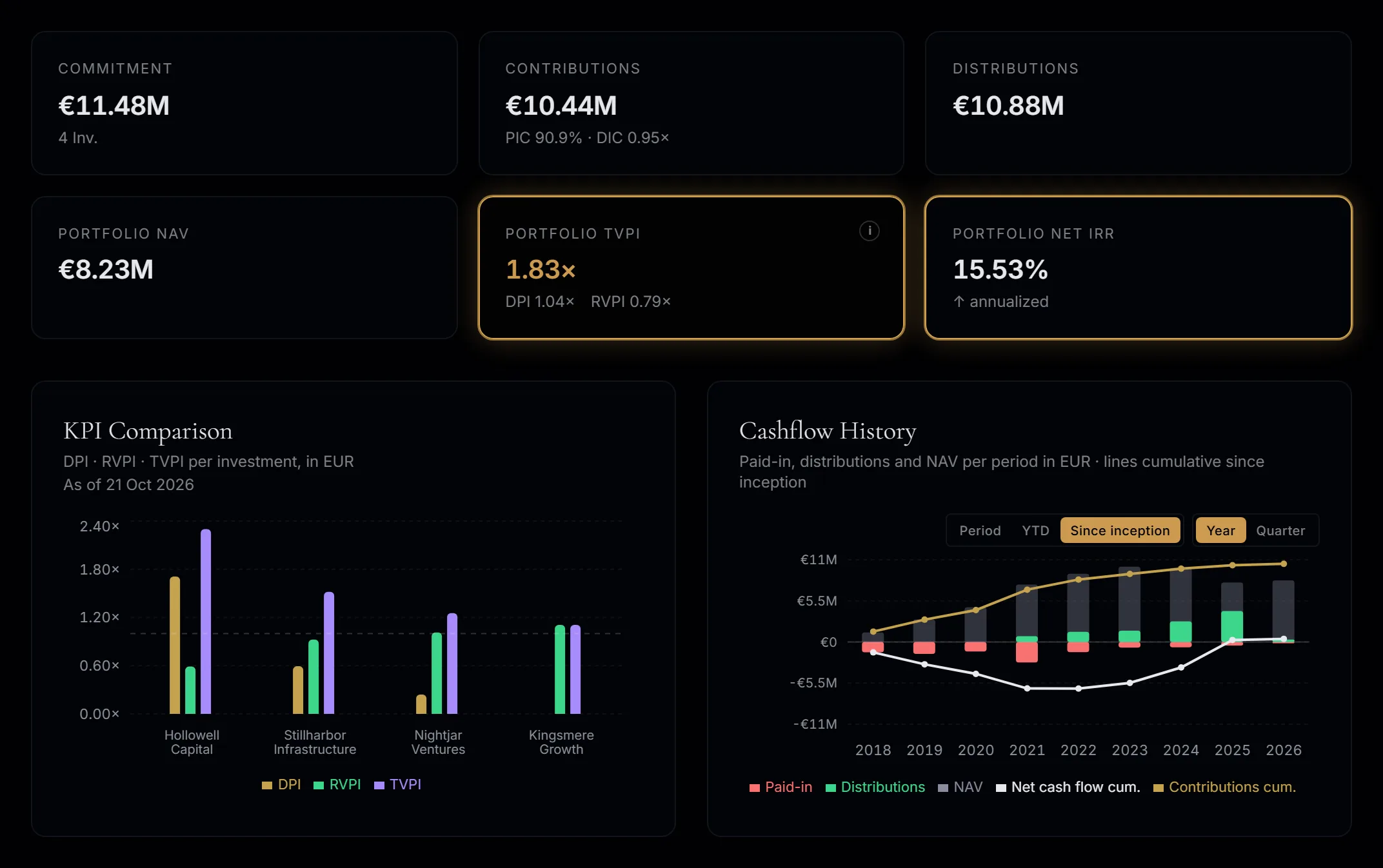
The dashboard of the sample book
How it works
Book once. Everything else follows.
One ledger behind every screen and every PDF.
Try it in the sample book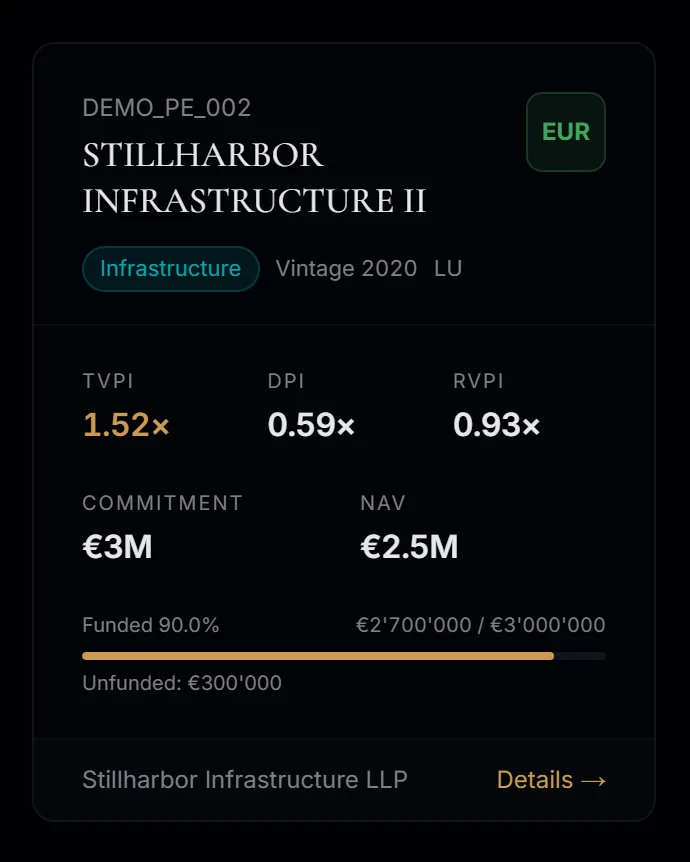
Sample bookSample book
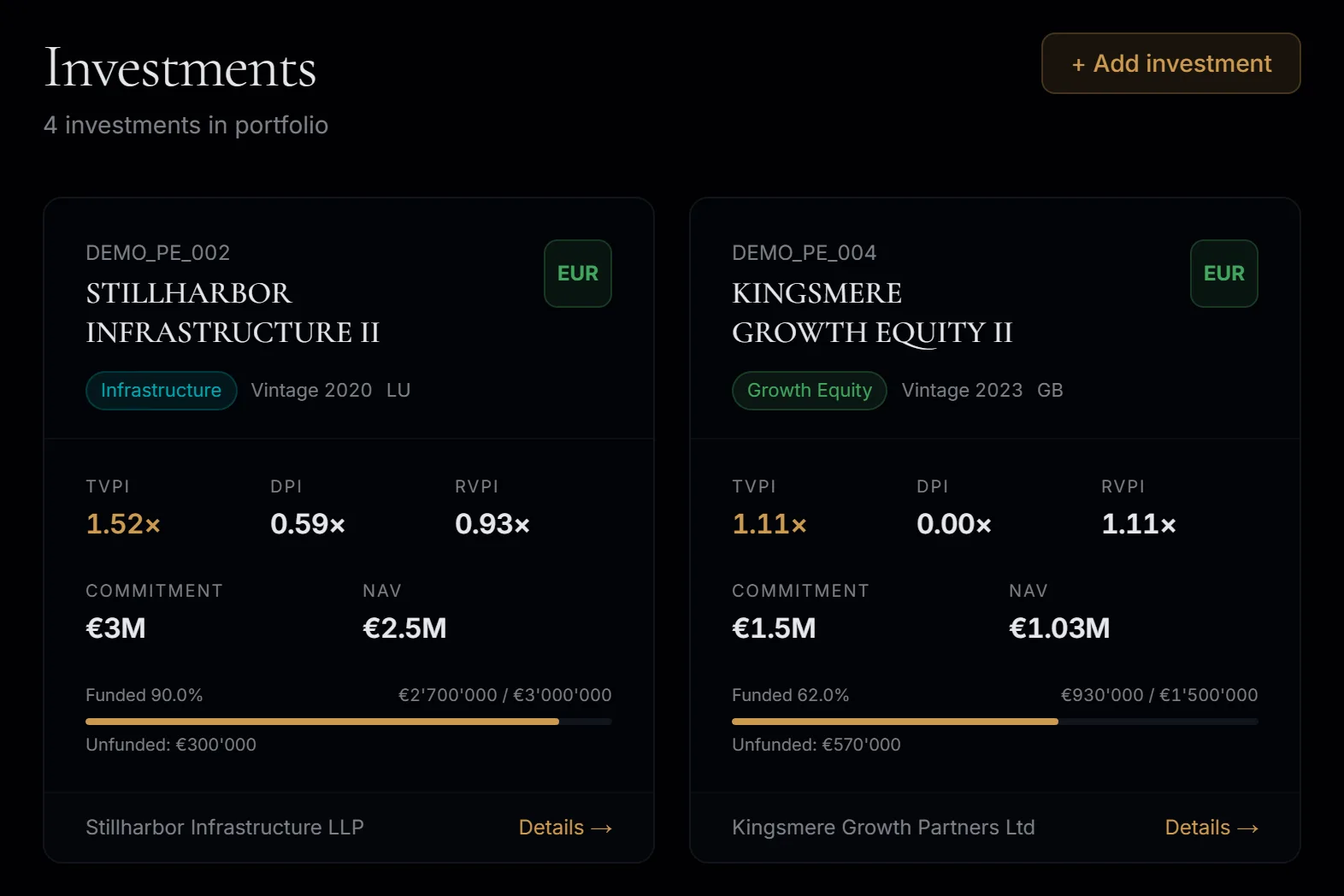
Enter each fund once: commitment, currency, strategy, vintage. Funded share, TVPI, DPI and RVPI are then calculated from its bookings, never typed in.
Capital calls, distributions and valuations, each with its line items: fees, recallables, withholding tax, FX at the value date. Copy, edit or reverse a booking and every figure recomputes.
Choose sections, period, accounts and language, add your logo and a note. PDF and PowerPoint are built from the same data as the screen, so nothing is retyped.
The summary page leads with KPI tiles, cash level and the total value bridge; the J-curve and a yearly table per holding follow. Ready for the family or the board.
Sample book
What happens next
Three steps to your first report.
Load your portfolio
We can enter your funds and bookings for you, free. Or you enter them yourself.
Check every figure
Each figure recomputes from its bookings, so you can tie it to your statements.
Send the report
PDF or PowerPoint, built from the same data as the screen.
One-time fee — no subscription.